If you’re new to machine embroidery, embroidery file formats can be confusing. Why does one design come in PES, another in DST, and another in JEF?
In this beginner-friendly guide, we’ll explain:
-
What embroidery file formats are
-
The difference between PES, DST, EXP, and JEF
-
Which format your machine needs
-
How to convert embroidery files safely
By the end, you’ll know exactly which file type to download for your embroidery machine.
What Are Embroidery File Formats?
Embroidery file formats are digital files that contain stitching instructions for embroidery machines.
Unlike image files (JPG or PNG), embroidery files store:
-
Stitch type
-
Stitch direction
-
Color changes
-
Thread sequence
-
Needle penetration points
Your machine reads these instructions to recreate the design.
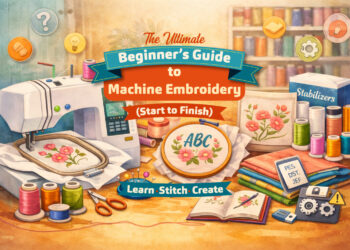
If you’re completely new to embroidery machines, you may want to read our Complete Beginner’s Guide to Machine Embroidery to understand how embroidery files work with your machine.
Why Are There So Many Embroidery File Types?
Different machine brands use different software systems. That’s why embroidery formats are brand-specific.
For example:
-
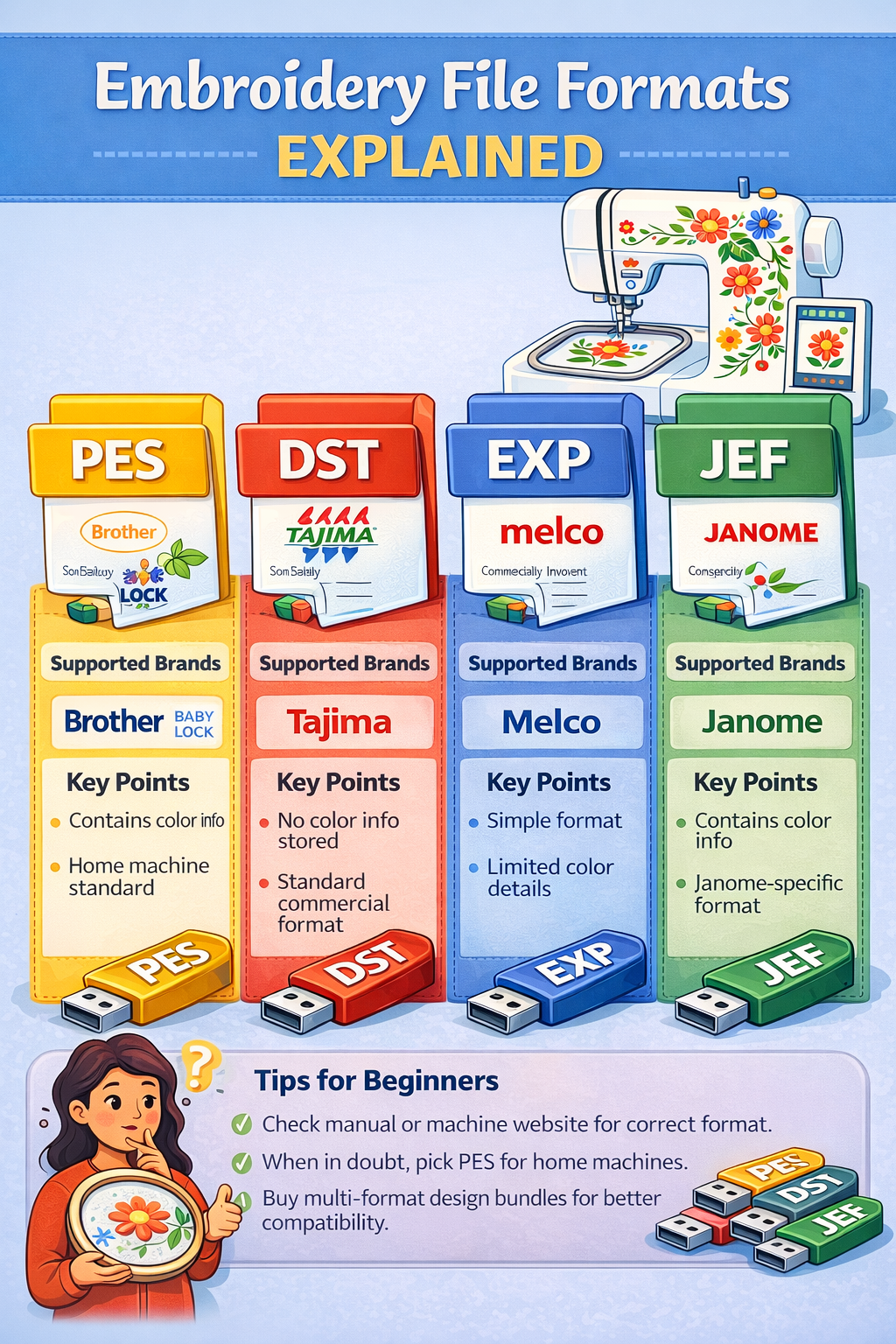
Brother machines use PES
-
Janome uses JEF
-
Commercial machines use DST
-
Melco uses EXP
That’s why most professional design sellers offer multiple formats in one download.
PES File Format (Brother)
PES is one of the most popular embroidery file formats.
✔ Used By:
-
Brother embroidery machines
-
Baby Lock machines
✔ Features:
-
Stores stitch data
-
Supports color information
-
Widely compatible
If you own a Brother machine, always download the PES version of your design files.
DST File Format (Commercial Standard)
DST stands for Data Stitch Tajima.
✔ Used By:
-
Tajima machines
-
Most commercial embroidery machines
✔ Features:
-
Contains stitch coordinates
-
Very stable
-
Does NOT store detailed color info
DST is considered the universal commercial format.
EXP File Format (Melco)
EXP is commonly used by Melco machines.
✔ Features:
-
Simple stitch format
-
Lightweight file size
-
Limited color information
Less common for home users.
JEF File Format (Janome)
JEF is used by Janome embroidery machines.
✔ Features:
-
Includes thread color data
-
Machine-specific hoop information
-
Optimized for Janome systems
If you own a Janome machine, choose JEF format files.
Other Common Embroidery File Formats
-
VP3 (Husqvarna/Viking)
-
XXX (Singer)
-
SEW (Janome older models)
-
HUS (Husqvarna older models)
Always check your machine manual.
How to Know Which File Format Your Machine Uses
To find your correct embroidery format:
-
Check your machine manual
-
Search your model online
-
Insert a USB and check accepted file types
-
Visit manufacturer website
Never guess — wrong format won’t open.
Can You Convert Embroidery File Formats?
Yes, but carefully.
You can convert formats using embroidery software like:
-
Hatch
-
Wilcom
-
Embrilliance
However:
- Converting does NOT improve quality
- Converting large resizes may damage stitch density
Always download the correct format when possible.
To safely convert embroidery file formats, you’ll need proper embroidery software — explore our detailed Best Embroidery Software Guide to compare top tools for beginners and professionals.
What Happens If You Use the Wrong File Format?
Your machine may:
-
Show error message
-
Fail to read file
-
Display corrupted stitches
-
Skip color changes
To avoid this, always download multi-format design packages from trusted embroidery design collections.
Best Practice When Downloading Embroidery Designs
When purchasing or downloading embroidery files:
✔ Ensure multiple format options are included
✔ Verify stitch count and design size
✔ Confirm compatibility with your machine
High-quality machine embroidery design bundles usually include PES, DST, EXP, JEF, and more in one ZIP file.
Frequently Asked Questions
What Is the Most Common Embroidery File Format?
The most common embroidery file format for home users is PES, while DST is the standard format for commercial embroidery machines.
What is a PES embroidery file?
A PES file is a digital embroidery format used primarily by Brother and Baby Lock machines.
Is DST better than PES?
DST is more universal for commercial machines, but PES is better for home embroidery users.
Can I convert PES to DST?
Yes, using embroidery software, but conversion does not improve design quality.
Why won’t my embroidery file open?
Most likely because you downloaded the wrong file format for your machine.
Do embroidery designs come in multiple formats?
Yes. Most professional embroidery design sellers provide multiple file formats in one package.